 Plugin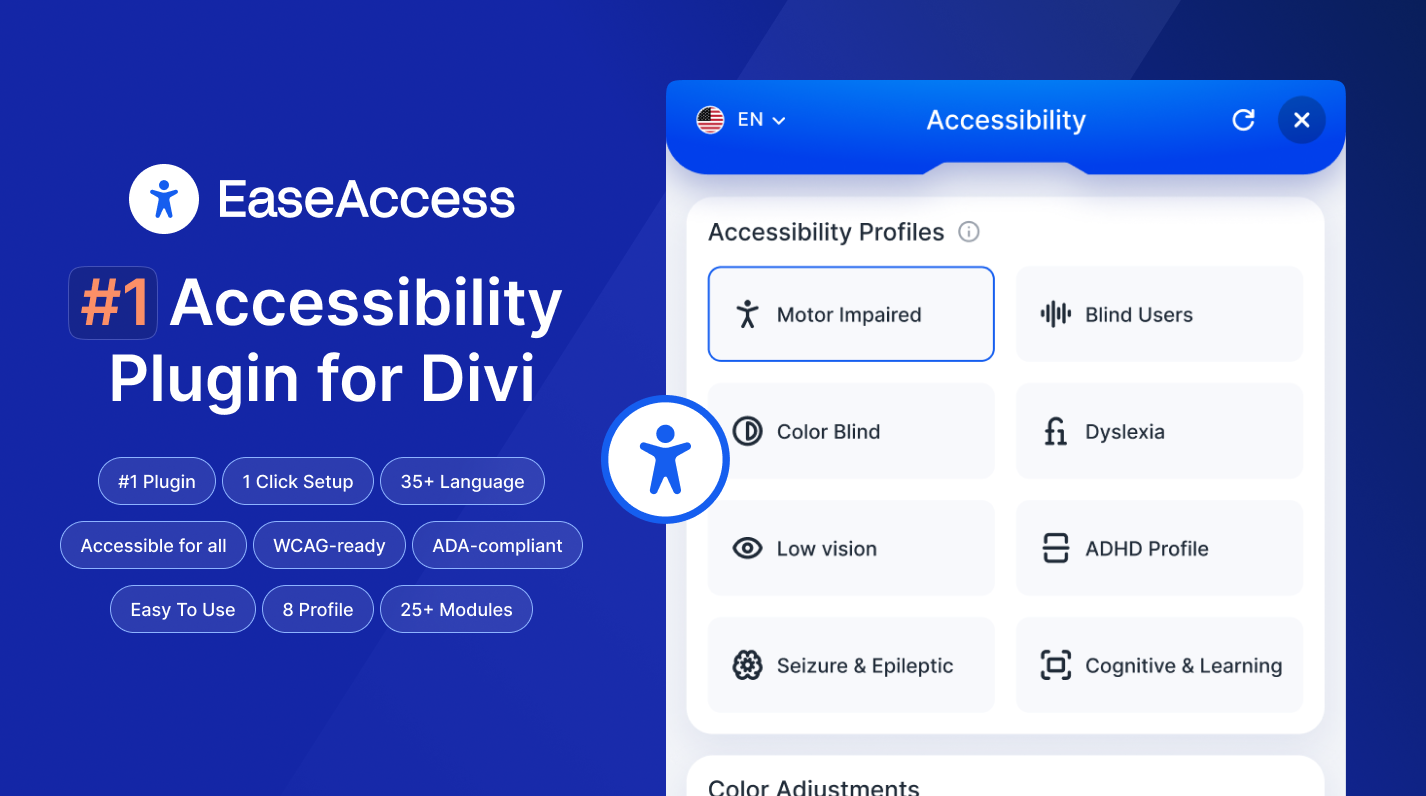
PluginActualizado
EaseAccess
Datos del producto
- Versión
- 2.2.0
- Publicado
- 21 octubre 2026
- Tipo
- Plugin
- Licencia
- GPL
- Incluido en
- Todos los planes, o $2.99 por separado
Resumen
EaseAccess.
Versión 2.2.0, actualizada el 21 octubre 2026.
Registro de cambios
Versión 2.2.0
- Nuevo Automatic plugin updates. EaseAccess now ships with a built-in updater — customers see "Update available" in the Plugins list and can update in one click, no more manual downloads.
- Nuevo Deactivation feedback modal. If you deactivate EaseAccess we ask a quick question about why. Optional — you can always skip.
- Nuevo Dictionary fallback. When the primary dictionary provider (api.dictionaryapi.dev) returns 5xx or times out, the widget silently falls back to Wiktionary — end users no longer see "service unavailable" when the free API is down.
- Nuevo Translate fallback. When Google's unofficial translate endpoint blocks the request (429 / 403 / HTML challenge page), the widget silently falls back to MyMemory — pages continue to translate on shared-IP hosts.
- Corregido Accessibility: the widget launcher, feature toggles, panel controls (Reset / Close / Language), Accessibility Profiles, Big Cursor variants and Pointer Trail colors are now native <button> elements (or <span role="radio"> where a native button would fight the swatch styling) with proper aria-pressed / aria-expanded / aria-modal semantics, keyboard handlers and visible focus rings.
- Corregido Accessibility: the Page Structure navigator now uses a real tablist and each heading / landmark is a keyboard-operable button.
- Corregido Accessibility: Reset now guarantees cleanup of every feature style tag and CSS filter — no more stale Big Cursor or greyscale surviving a reset if state was out of sync.
- Corregido Color Saturation. Fixed: Color Saturation now writes its inline filter with !important, so themes and page-builder hover effects (Divi module animations, Elementor overlays) can no longer override it.
- Corregido Icon-font glyphs no longer render as literal text on Divi / Elementor pages when server-side auto-fix is active. ServerFix::serialise() now decodes DOMDocument's numeric-entity output back to raw UTF-8, so content: attr(data-icon) in CSS renders the original glyph instead of the escaped source.
- Corregido Widget compatibility with SiteGround Speed Optimizer, WP Rocket, LiteSpeed Cache and Autoptimize. When those plugins relocate the main bundle to their own asset cache, webpack now still fetches the widget's lazy chunks from the correct plugin URL — fixes the "widget button does nothing" 404 on optimized sites.
- Corregido AI settings admin page — Save / Validate / Reset / Set-active API-key requests now go through wp.apiFetch, so cached admin pages and hosts that strip cookies from /wp-json/* no longer produce "Cookie check failed" on live sites.
- Corregido ServerFix.php — $_SERVER['HTTP_X_WP_NONCE'] unslashed + sanitised (Plugin Check compliance).
- Mejorado The compliance score now reflects the real audit ratio (passing checks vs issues), the same way professional scanners (Lighthouse, WAVE, axe) score — no more inflated "setup bonus", so the number you see matches third-party audits.
- Nuevo Underlines links inside paragraphs and lists so they're distinguishable without colour (WCAG 1.4.1). Buttons, menus and image links are left alone.
- Mejorado Heading-order fix now also repairs skipped levels (e.g. an H2 followed by an H4) via aria-level, not just a missing H1.
- Nuevo Server-side structural fixes. The plugin now repairs the delivered HTML on the server — removing zoom-blocking viewport settings, de-duplicating banner/footer landmarks, and giving repeated navigation/sidebar regions unique labels — so third-party audits (Lighthouse, WAVE, axe) see the fixes, not just the live browser.
- Nuevo The accessibility scan now reports a real audit score. It counts passing rules and issues (like a professional audit) instead of a setup-only estimate, so the compliance score actually moves as you fix issues.
- Nuevo Scan results now show issue severity (critical / serious / moderate / minor), how many elements each issue affects, and how many checks passed.
- Nuevo A "Needs review" section surfaces checks the scanner can't decide automatically (e.g. contrast over a background image) so nothing is silently hidden.
- Nuevo Added WCAG 2.2 minimum target-size (2.5.8) detection and a check for multiple <h1> headings on a page.
- Corregido The Divi Marketplace build shipped without the Auto-Fix engine file, so enabling or toggling auto-fixes from the One-Click Setup page failed with a "Could not toggle engine" error. The Auto-Fix engine now ships with the Divi build and works as expected.
- Mejorado Smart Color Contrast is now OFF by default. Because it recolours text inline, it could override intentional designs (e.g. white text on a dark section). Existing sites that had it on are switched off once automatically; you can re-enable it any time from One-Click Setup.
- Corregido Smart Color Contrast no longer changes text over a background-image or gradient. Previously it couldn't read those backgrounds, assumed white, and could turn light text dark (invisible on dark sections). It now leaves elements it can't measure untouched.
- Nuevo Unique Landmark Labels — when a page has more than one navigation or sidebar region, each gets a distinct aria-label so screen-reader users can tell them apart (axe landmark-unique).
- Nuevo Skip-Link Target Fix — the skip-to-content link now points at the real main landmark and makes it focusable, so it actually moves keyboard focus.
- Nuevo Icon Button & Link Names — icon-only links and buttons with no visible text get an aria-label derived from their title, icon class, or child image alt (WCAG 4.1.2).
- Nuevo Image submit buttons (<input type="image">) now receive an alt value derived from their value/title/name (WCAG 1.1.1).
- Mejorado The Minimum Touch Target option now emits a gentle, spec-aligned 24×24px rule (WCAG 2.5.8) at zero CSS specificity so themes and page builders always win — previously the toggle did nothing.
- Mejorado Internal: hardened the release packaging so distribution archives are always generated correctly.
Versiones anteriores
- 2.1.0: 7 mejorado, 1 corregido
Preguntas frecuentes
¿EaseAccess es gratis?
El código de EaseAccess tiene licencia GPL, así que cualquiera puede usarlo, modificarlo y compartirlo. Mercado GPL es un servicio de pago: un plan o la compra de EaseAccess te da la descarga y sus actualizaciones. El soporte del propio desarrollador, su clave de licencia y sus servicios en línea no están incluidos.
¿Qué versión de EaseAccess es esta?
Versión 2.2.0, publicada el 21 octubre 2026. Las versiones nuevas aparecen aquí cuando el desarrollador las publica.
¿Cómo actualizo EaseAccess?
Instala MercadoGPL Updater en tu sitio y pega tu clave de Mi cuenta. Instalará por ti las versiones nuevas de EaseAccess.
También te puede gustar
Plugin Plugin
 Plugin
 Plugin
 Plugin
 Plugin
 Plugin
 Plugin